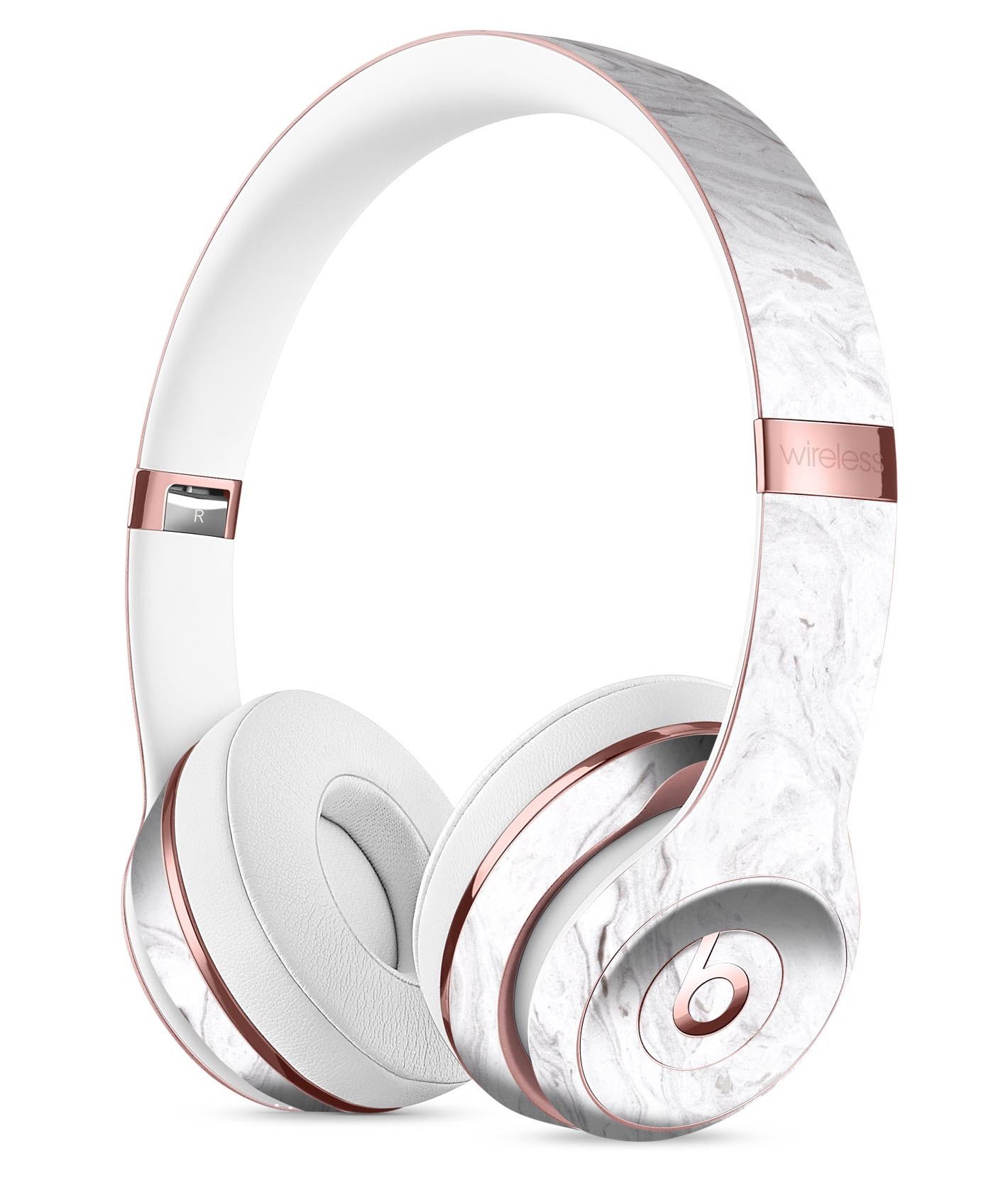
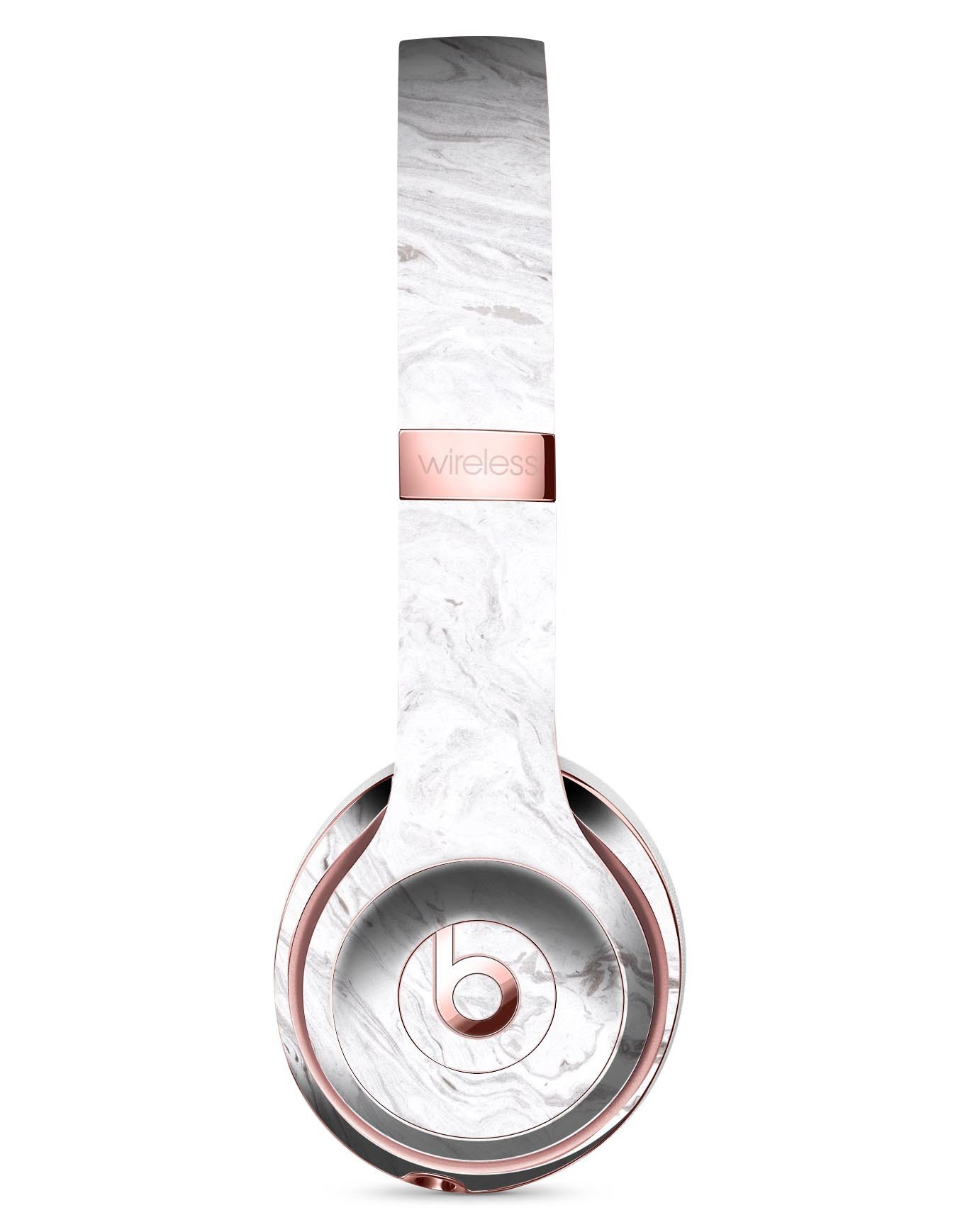
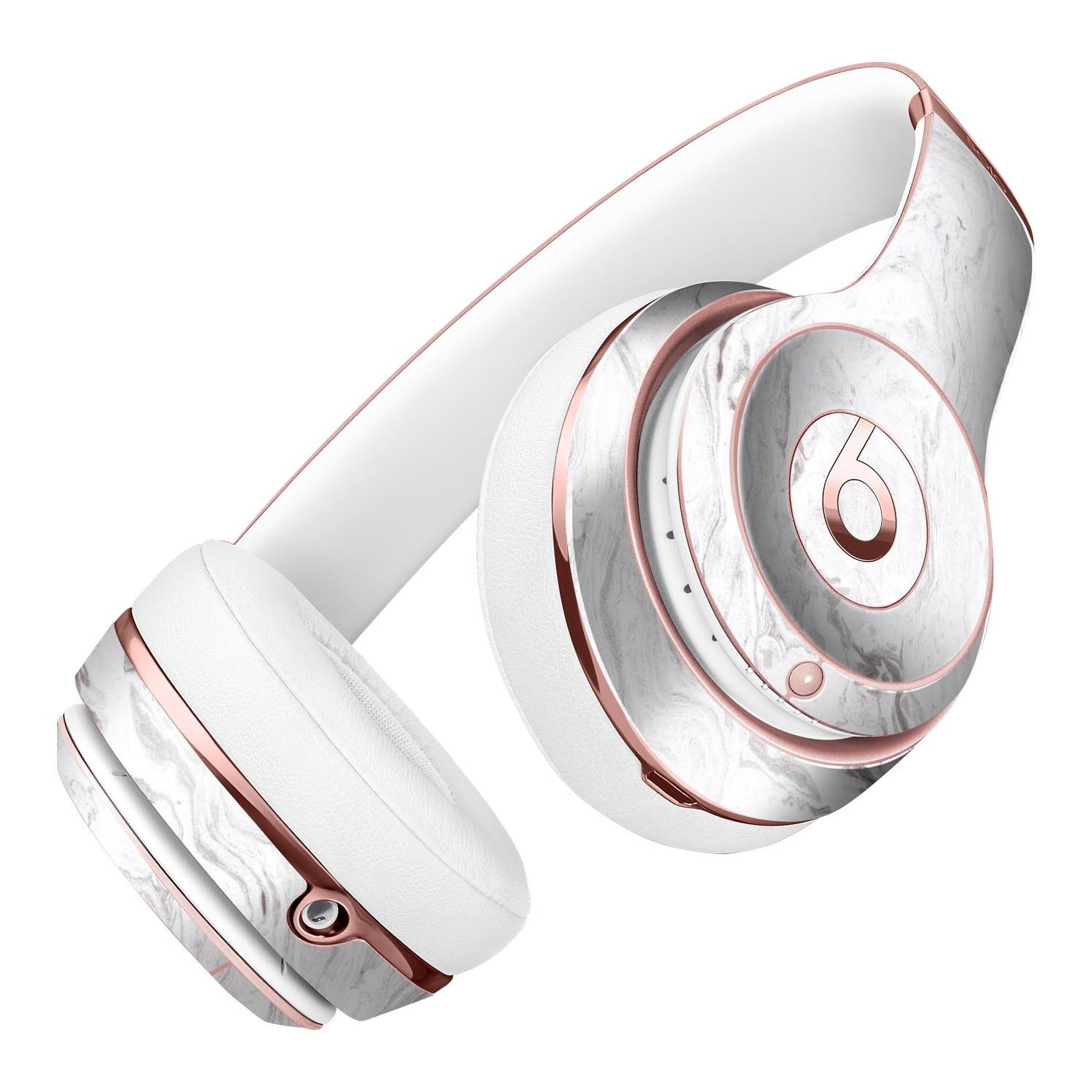
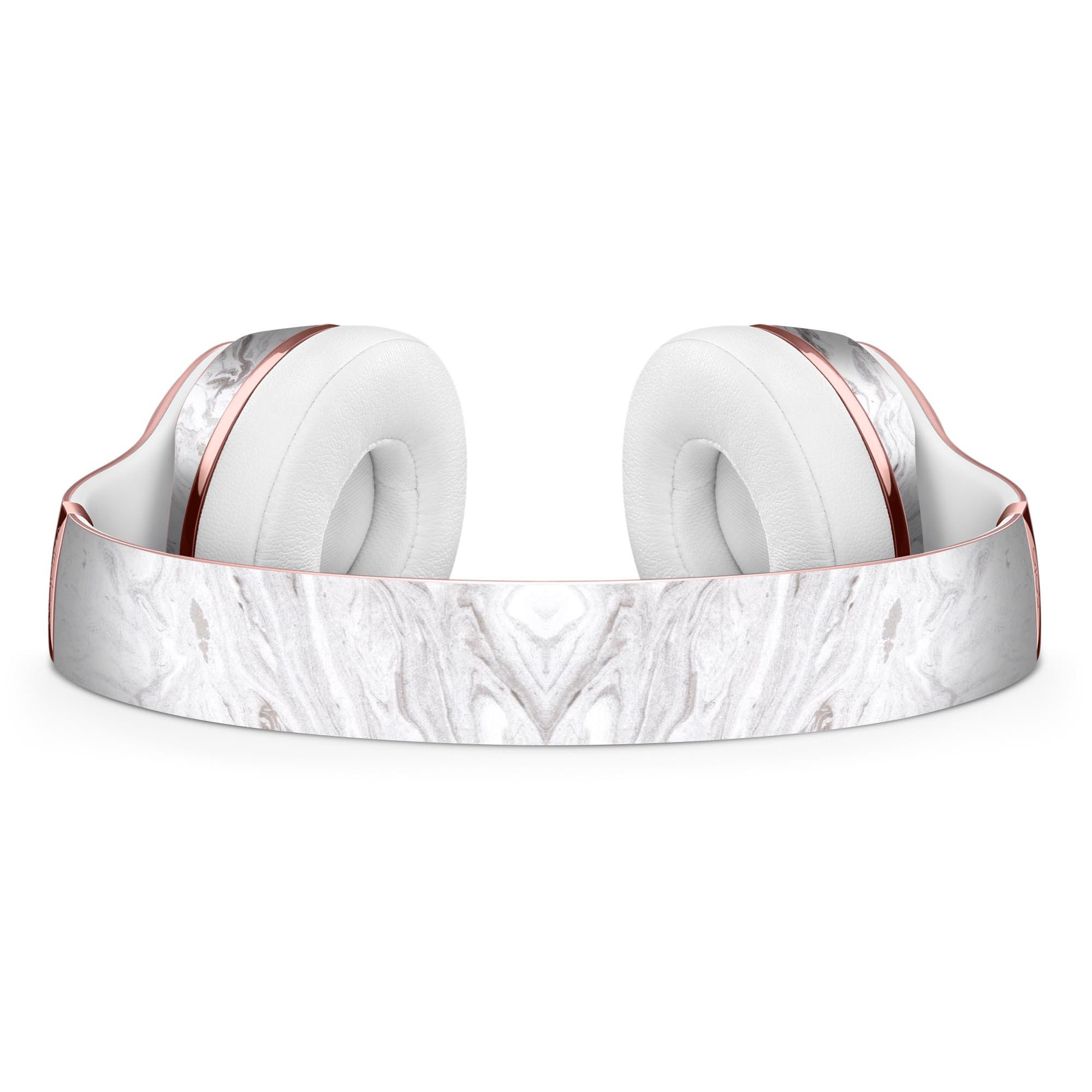
Dropship Mixtured Gray v12 Textured Marble Full-Body Skin Kit for the Beats by
$10.46
$14.95
5.0
100.0% of buyers have recommended this.
Fits Beats by Dre Solo 3
Dual-layer construction for durability
Air-release adhesive for bubble-free
Precision-cut for easy installation
Stylish textured marble design
Product description
Enhance the aesthetic of your Beats by Dre Solo 3 Wireless Headphones with the Mixtured Gray v12 Textured Marble Full-Body Skin Kit. This innovative skin kit allows you to personalize your headphones without adding bulk, ensuring that you maintain the sleek design while providing essential protection. Made from premium vinyl, this skin is designed to withstand daily wear and tear, safeguarding your device from scratches and other forms of damage.
Key Features of the Mixtured Gray Skin Kit
The Mixtured Gray v12 Textured Marble Skin Kit is specifically designed to fit all versions of the Beats by Dre Solo 3 Wireless Headphones. Here are some of the standout features that make this skin kit a must-have for any Beats owner:
- Fits the Beats by Dre Solo 3: This skin kit is tailored to fit your headphones perfectly, ensuring that every curve and contour is covered without interfering with functionality.
- Dual-Layer Construction: The skin features a dual-layer design, which includes a matte or gloss lamination applied over the graphic. This not only enhances the visual appeal but also provides extreme durability, ensuring that your skin lasts for years.
- Air-Release Adhesive Backing: One of the most frustrating aspects of applying skins is dealing with air bubbles. The Mixtured Gray skin kit comes with an air-release adhesive backing that allows for a smooth application, preventing air bubbles from forming during installation.
- Precision-Cut for Easy Installation: The skin is precision-cut to ensure a perfect fit, making installation a breeze. You don’t need to be a DIY expert to apply this skin; simply follow the instructions, and you’ll have a fresh new look in no time.
Why Choose a Skin for Your Headphones?
Using a skin for your headphones offers several advantages over traditional cases or covers. Firstly, skins are lightweight and do not add bulk to your device, allowing for easy portability. Secondly, they provide a layer of protection against scratches, dirt, and minor impacts, which can be particularly beneficial for those who frequently travel or use their headphones on the go.
Additionally, skins allow for personalization. With the Mixtured Gray v12 Textured Marble design, you can express your unique style while keeping your headphones looking fresh and new. The textured marble finish adds a touch of elegance and sophistication, making your headphones stand out in a crowd.
Additionally, skins allow for personalization. With the Mixtured Gray v12 Textured Marble design, you can express your unique style while keeping your headphones looking fresh and new. The textured marble finish adds a touch of elegance and sophistication, making your headphones stand out in a crowd.
Installation Tips
To ensure the best results when applying your Mixtured Gray skin, follow these simple tips:
1. **Clean Your Headphones:** Before applying the skin, make sure your headphones are clean and free from dust or oils. Use a microfiber cloth to wipe down the surface.
2. **Take Your Time:** Align the skin carefully before pressing it down. If you need to reposition it, do so gently to avoid stretching the material.
3. **Use a Squeegee:** If you have one, use a squeegee or a credit card to smooth out the skin as you apply it, ensuring a bubble-free finish.
By following these tips, you can achieve a professional-looking application that enhances the beauty of your Beats by Dre Solo 3 Wireless Headphones.
1. **Clean Your Headphones:** Before applying the skin, make sure your headphones are clean and free from dust or oils. Use a microfiber cloth to wipe down the surface.
2. **Take Your Time:** Align the skin carefully before pressing it down. If you need to reposition it, do so gently to avoid stretching the material.
3. **Use a Squeegee:** If you have one, use a squeegee or a credit card to smooth out the skin as you apply it, ensuring a bubble-free finish.
By following these tips, you can achieve a professional-looking application that enhances the beauty of your Beats by Dre Solo 3 Wireless Headphones.
Care Instructions
To keep your Mixtured Gray skin looking its best, it’s important to care for it properly. Here are some care instructions:
1. **Avoid Excessive Moisture:** While the skin is durable, it’s best to avoid exposing it to excessive moisture or submerging it in water.
2. **Wipe Clean:** If your skin gets dirty, simply wipe it down with a damp cloth. Avoid using harsh chemicals or abrasive materials that could damage the vinyl.
3. **Store Properly:** When not in use, store your headphones in a cool, dry place to prevent any unnecessary wear on the skin.
With the right care, your Mixtured Gray skin will continue to look stunning and protect your headphones for a long time.
1. **Avoid Excessive Moisture:** While the skin is durable, it’s best to avoid exposing it to excessive moisture or submerging it in water.
2. **Wipe Clean:** If your skin gets dirty, simply wipe it down with a damp cloth. Avoid using harsh chemicals or abrasive materials that could damage the vinyl.
3. **Store Properly:** When not in use, store your headphones in a cool, dry place to prevent any unnecessary wear on the skin.
With the right care, your Mixtured Gray skin will continue to look stunning and protect your headphones for a long time.
How I made $178,492 in three months by dropshipping US and European products
It was the early months of 2019, and Erin Rafferty had made a decision. She had spent the past year researching social media and e-commerce and this year, she was ready.
Get started

GET 14-DAY FREE TRIAL
Scale your dropshipping business with Spocket.