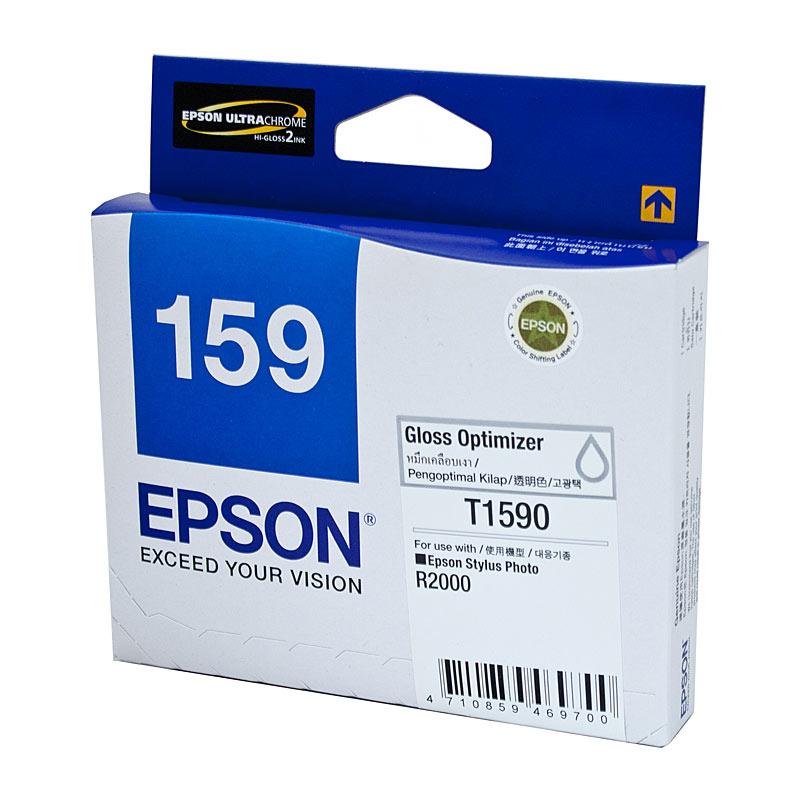
Dropship EPSON 1590 Gloss Optimiser Ink
100.0% of buyers have recommended this.
Premium quality gloss optimiser ink
Compatible with EPSON STYLUS PHOTO R2000
Delivers vibrant and glossy prints
Easy installation and reliable performance
Ideal for professional photography projects
Product description
The EPSON 1590 Gloss Optimiser Ink is a premium quality ink cartridge designed specifically for enhancing the gloss and vibrancy of your printed images. This genuine EPSON product is engineered to work seamlessly with the EPSON STYLUS PHOTO R2000 printer, ensuring that you achieve the best possible results for your photography and printing projects.
Why Choose EPSON 1590 Gloss Optimiser Ink?
When it comes to printing high-quality photographs, the choice of ink is crucial. The EPSON 1590 Gloss Optimiser Ink is formulated to provide a protective layer over your prints, enhancing their glossiness and depth of color. This ink is particularly beneficial for photographers who want to showcase their work in the best light, making it an essential addition to your printing supplies.
Compatibility and Performance
This gloss optimiser ink is compatible with the EPSON STYLUS PHOTO R2000 printer, which is known for its exceptional color accuracy and detail. By using the EPSON 1590 ink, you can ensure that your prints not only look stunning but also last longer. The ink dries quickly, reducing the risk of smudging and allowing you to handle your prints almost immediately after printing.
Features of EPSON 1590 Gloss Optimiser Ink
- High-quality gloss finish for vibrant prints
- Protective layer enhances durability
- Fast-drying formula for immediate handling
- Easy to install and replace
- Designed for professional-grade printing
Applications of Gloss Optimiser Ink
The EPSON 1590 Gloss Optimiser Ink is ideal for a variety of applications, including:
- Professional photography prints
- Art reproductions
- High-quality marketing materials
- Gallery displays
- Personalized gifts and keepsakes
How to Use EPSON 1590 Gloss Optimiser Ink
Using the EPSON 1590 Gloss Optimiser Ink is straightforward. Simply follow these steps:
- Ensure your EPSON STYLUS PHOTO R2000 printer is set up and ready to print.
- Open the printer cover and remove the old ink cartridge if necessary.
- Carefully unpack the new EPSON 1590 Gloss Optimiser Ink cartridge.
- Insert the cartridge into the designated slot, ensuring it clicks into place.
- Close the printer cover and run a test print to ensure optimal performance.
Storage and Handling Tips
To maintain the quality of your EPSON 1590 Gloss Optimiser Ink, it is important to store it properly. Keep the cartridges in a cool, dry place away from direct sunlight. Avoid exposing the ink to extreme temperatures, as this can affect its performance. Always handle the cartridges with care to prevent any damage.
Conclusion
In summary, the EPSON 1590 Gloss Optimiser Ink is an essential product for anyone looking to achieve professional-quality prints. Its compatibility with the EPSON STYLUS PHOTO R2000 printer, combined with its premium quality and performance, makes it a top choice for photographers and artists alike.
Get started